

PlantUML (PUML): The Future of Diagramming with Code
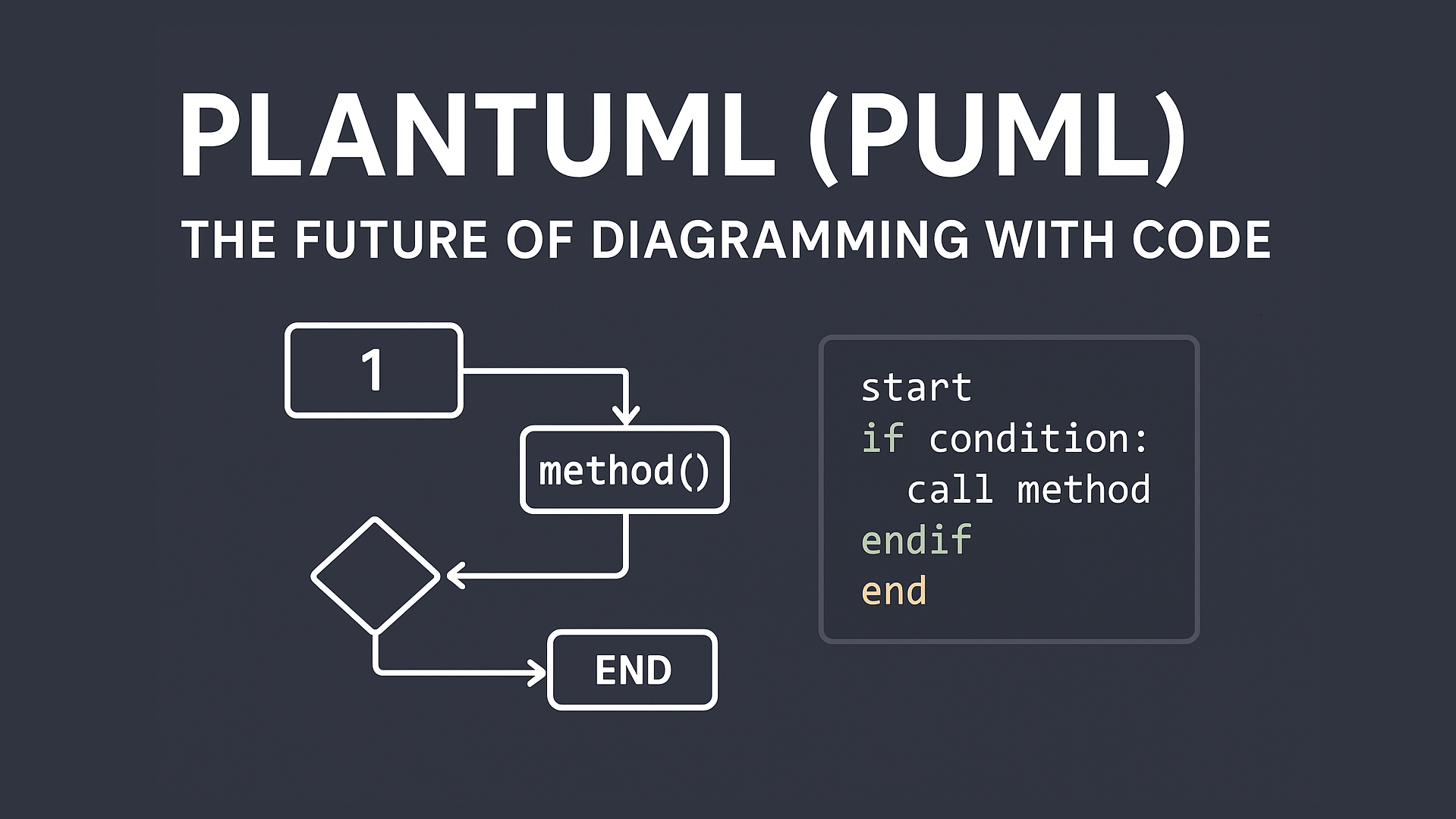
In software and system development, diagrams play an important role. They are used to explain system flow, database structure, and relationships between components. Traditionally, diagrams are created using visual tools with drag and drop features. However, modern development practices are shifting toward a more efficient approach: creating diagrams using code. One of the most popular tools for this approach is PlantUML, often called PUML.
What Is PlantUML (PUML)?
PlantUML is an open source tool that allows developers to create diagrams by writing simple text-based instructions. From this code, PlantUML automatically generates visual diagrams. It supports many diagram types such as use case diagrams, class diagrams, sequence diagrams, activity diagrams, and database diagrams.
Instead of drawing shapes manually, users only need to focus on the logic and structure of the diagram.
Why Code-Based Diagrams Are Becoming Popular
There are several reasons why code-based diagram tools like PlantUML are gaining popularity:
First, they integrate well with source code. PUML files can be stored in Git repositories alongside application code, keeping documentation and implementation in sync.
Second, they are faster and more consistent. For developers, typing code is often quicker than arranging visual elements. The generated diagrams also maintain a consistent style.
Third, they are easy to modify and review. Diagram changes can be reviewed just like code changes, making collaboration more effective.
Types of Diagrams Supported by PlantUML
PlantUML supports a wide range of commonly used diagrams, including:
-
Use Case Diagrams for user and system interactions
-
Class Diagrams for class structures and relationships
-
Sequence Diagrams for communication flow
-
Activity Diagrams for business processes
-
ER Diagrams for database design
This makes PlantUML a powerful all-in-one documentation tool.
Simple Usage Example
To create a basic class diagram, developers only need to define classes and their relationships using text. PlantUML then converts it into a visual diagram automatically. This approach is very helpful when explaining system architecture to teams or stakeholders. To running the puml code you can see this link.
@startuml
Bob -> Alice : hello
@enduml
PlantUML in Modern Development Workflow
PlantUML fits perfectly into modern development workflows. Many code editors like VS Code and IntelliJ support PlantUML previews. Platforms such as GitHub and GitLab can also render diagrams directly from PUML files. Some teams even generate diagrams automatically using CI/CD pipelines.
For backend developers, full stack developers, and IT students, PlantUML offers a clean and professional documentation solution.
Is PlantUML the Future of Diagramming?
PlantUML does not completely replace visual diagram tools. However, for technical documentation and developer collaboration, code-based diagrams provide clear advantages. As documentation becomes more tightly integrated with source code, PlantUML represents a strong direction for the future of diagram creation.
For people who are comfortable with coding, PlantUML feels natural, efficient, and scalable.

