

Easy to solve mysql error in xampp windows
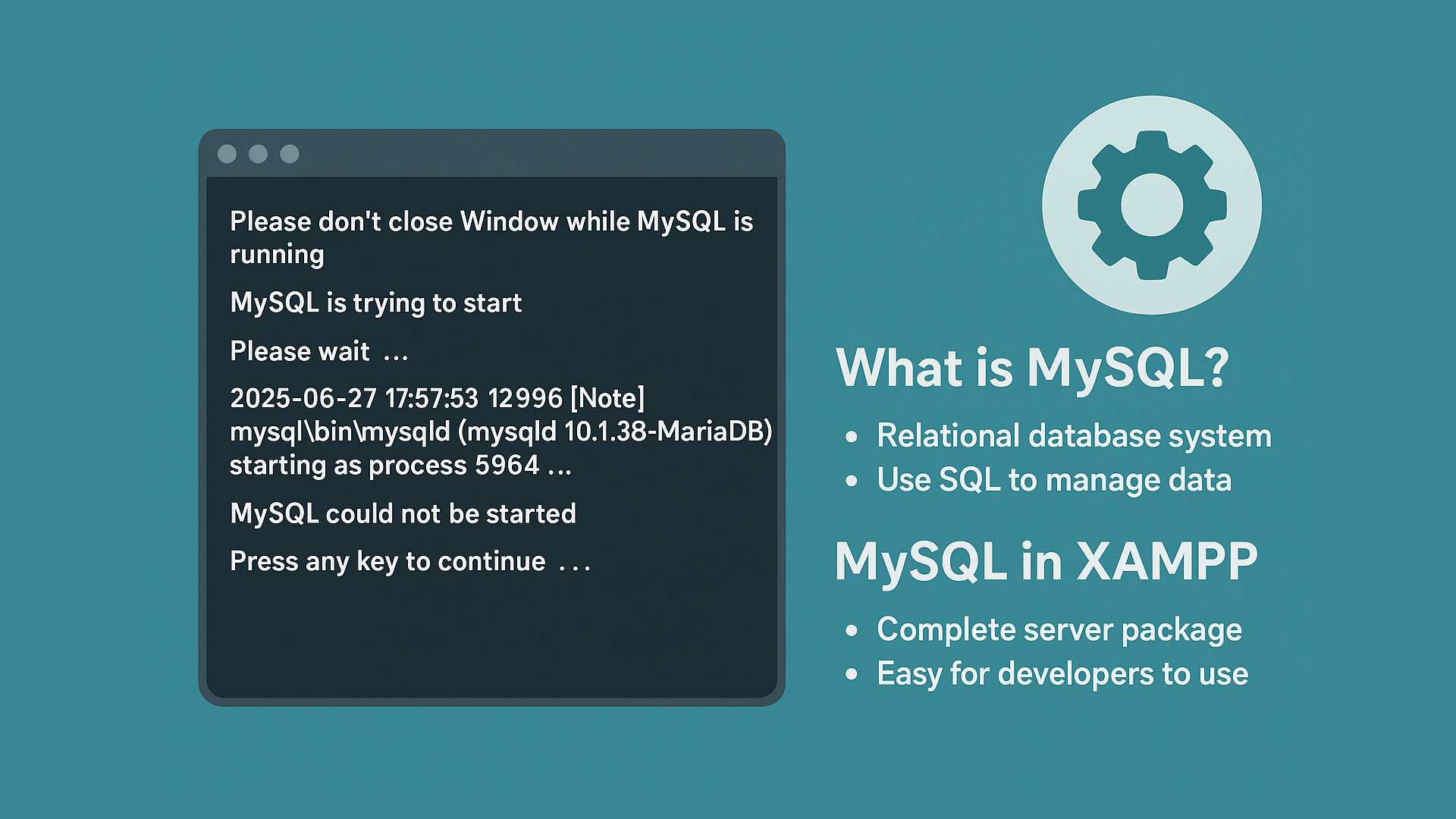
Diese Eingabeforderung nicht waehrend des Running beenden
Please dont close Window while MySQL is running
MySQL is trying to start
Please wait  ...
MySQL is starting with mysql\bin\my.ini (console)
2025-06-27 17:57:53 12996 [Note] mysql\bin\mysqld (mysqld 10.1.38-MariaDB) starting as process 5964 ...

MySQL konnte nicht gestartet werden
MySQL could not be started
Press any key to continue . . .
This error is common with the MySQL component included in XAMPP on Windows operating systems. It’s something that often annoys users because they usually haven’t done anything new - just the usual routines with the installed XAMPP. But don’t worry this article explains the solution.
What is MySQL
MySQL is a relational database management system (RDBMS) that uses SQL (Structured Query Language) to manage its data.
MySQL is one of the most popular open-source databases in the world and is widely used for all kinds of applications - from small websites to large-scale systems.
Here are some important points about MySQL:
-
Relational: Data is stored in related tables. Each table has rows and columns.
-
SQL Language: You use SQL commands to create, read, modify, and delete data, with statements like
SELECT,INSERT,UPDATE,DELETE, and so on. -
Open Source: MySQL is open source, which means anyone can use it for free. However, there’s also a commercial version with extra features, maintained by Oracle Corporation.
-
Popular for the Web: MySQL is often paired with PHP in web development. The most famous combination is the LAMP stack (Linux, Apache, MySQL, PHP).
-
Fast and Reliable: MySQL is lightweight, fast, and fairly easy to configure, making it suitable for many projects.
-
Multi-User: Supports many users at the same time.
-
Supports Transactions: Supports ACID transactions (Atomicity, Consistency, Isolation, Durability) through storage engines like InnoDB.
Examples of how MySQL is used:
-
Storing website user data.
-
Storing transaction data for online stores.
-
As a backend database for ERP, CRM, or other information systems.
MySQL in XAMPP
1. The XAMPP Philosophy: A Complete Server Package
XAMPP is an all-in-one web server package designed to make it easy for developers to install a local server on their computer (Windows, Linux, macOS).
The name XAMPP stands for:
-
X: Cross-platform (runs on many operating systems)
-
A: Apache (web server)
-
M: MySQL (database)
-
P: PHP (programming language)
-
P: Perl (programming language)
So, MySQL has always been an integral part of XAMPP.
2. MySQL Proven to be Popular
When XAMPP was first developed, MySQL was the most popular open-source database and already supported the needs of dynamic PHP web applications.
Other alternatives like PostgreSQL or SQLite existed, but MySQL was more user-friendly, stable, and had better documentation.
3. Compatible with PHP
XAMPP focuses on PHP support. PHP and MySQL are a classic pair for dynamic websites - CMS platforms like WordPress, Joomla, Drupal, and many PHP frameworks (like Laravel) use MySQL by default.
So bundling MySQL means XAMPP is ready to use right away.
4. Easy for Developers to Use
MySQL is relatively easy to install, configure, and manage for beginners - which fits XAMPP’s goal: helping developers run a local server without complex database setup.
5. Full Tool Support
XAMPP also includes phpMyAdmin, a web-based interface to manage MySQL databases easily, without needing to use the command line.
Solution for MySQL Errors
You need to check the error log located at:
xampp/mysql/data/mysql_error.log
Here’s an example error:
2025-06-27 18:04:21 414 InnoDB: Warning: Using innodb_additional_mem_pool_size is DEPRECATED. This option may be removed in future releases, together with the option innodb_use_sys_malloc and with the InnoDB's internal memory allocator.
2025-06-27 18:04:21 1044 [Note] InnoDB: innodb_empty_free_list_algorithm has been changed to legacy because of small buffer pool size. In order to use backoff, increase buffer pool at least up to 20MB.

2025-06-27 18:04:21 1044 [Note] InnoDB: Using mutexes to ref count buffer pool pages
2025-06-27 18:04:21 1044 [Note] InnoDB: The InnoDB memory heap is disabled
2025-06-27 18:04:21 1044 [Note] InnoDB: Mutexes and rw_locks use Windows interlocked functions
2025-06-27 18:04:21 1044 [Note] InnoDB: _mm_lfence() and _mm_sfence() are used for memory barrier
2025-06-27 18:04:21 1044 [Note] InnoDB: Compressed tables use zlib 1.2.11
2025-06-27 18:04:21 1044 [Note] InnoDB: Using generic crc32 instructions
2025-06-27 18:04:21 1044 [Note] InnoDB: Initializing buffer pool, size = 16.0M
2025-06-27 18:04:21 1044 [Note] InnoDB: Completed initialization of buffer pool
2025-06-27 18:04:21 1044 [Note] InnoDB: Highest supported file format is Barracuda.
InnoDB: No valid checkpoint found.
InnoDB: A downgrade from MariaDB 10.2.2 or later is not supported.
InnoDB: If this error appears when you are creating an InnoDB database,
InnoDB: the problem may be that during an earlier attempt you managed
InnoDB: to create the InnoDB data files, but log file creation failed.
InnoDB: If that is the case, please refer to
InnoDB: http://dev.mysql.com/doc/refman/5.6/en/error-creating-innodb.html
2025-06-27 18:04:21 1044 [ERROR] Plugin 'InnoDB' init function returned error.
2025-06-27 18:04:21 1044 [ERROR] Plugin 'InnoDB' registration as a STORAGE ENGINE failed.
2025-06-27 18:04:21 1044 [Note] Plugin 'FEEDBACK' is disabled.
2025-06-27 18:04:21 1044 [ERROR] Unknown/unsupported storage engine: InnoDB
2025-06-27 18:04:21 1044 [ERROR] Aborting
Pay attention to this error part:
InnoDB: No valid checkpoint found.
InnoDB: A downgrade from MariaDB 10.2.2 or later is not supported.
...
[ERROR] Plugin 'InnoDB' init function returned error.
If your error matches this, it means:
-
The InnoDB files (
ibdata1,ib_logfile0/ib_logfile1) are corrupted or not compatible with the current MariaDB version. -
Or you tried to downgrade (to a lower MariaDB version) - which is not supported.
A Common Solution
Rename file log & data InnoDB
-
Stop MySQL di XAMPP.
-
Go to the folder xampp/mysql/data
-
Rename these files:
ibdata1 → ibdata1.bak
ib_logfile0 → ib_logfile0.bak
ib_logfile1 → ib_logfile1.bak -
Start MySQL again - XAMPP will create new InnoDB files from scratch.
Important!
Back up your entire data before doing this, to be safe:
-
Open
xampp/mysql/data- your database folders are there (e.g.mydb). -
Copy all your database folders except
mysql,performance_schema,phpmyadmin,test. -
Save them somewhere else.
After MySQL runs again, you can re-import your .frm / .ibd tables if they’re still intact.
Good luck!

