Building a Real-Time Live Chat Feature with PHP and jQuery AJAX
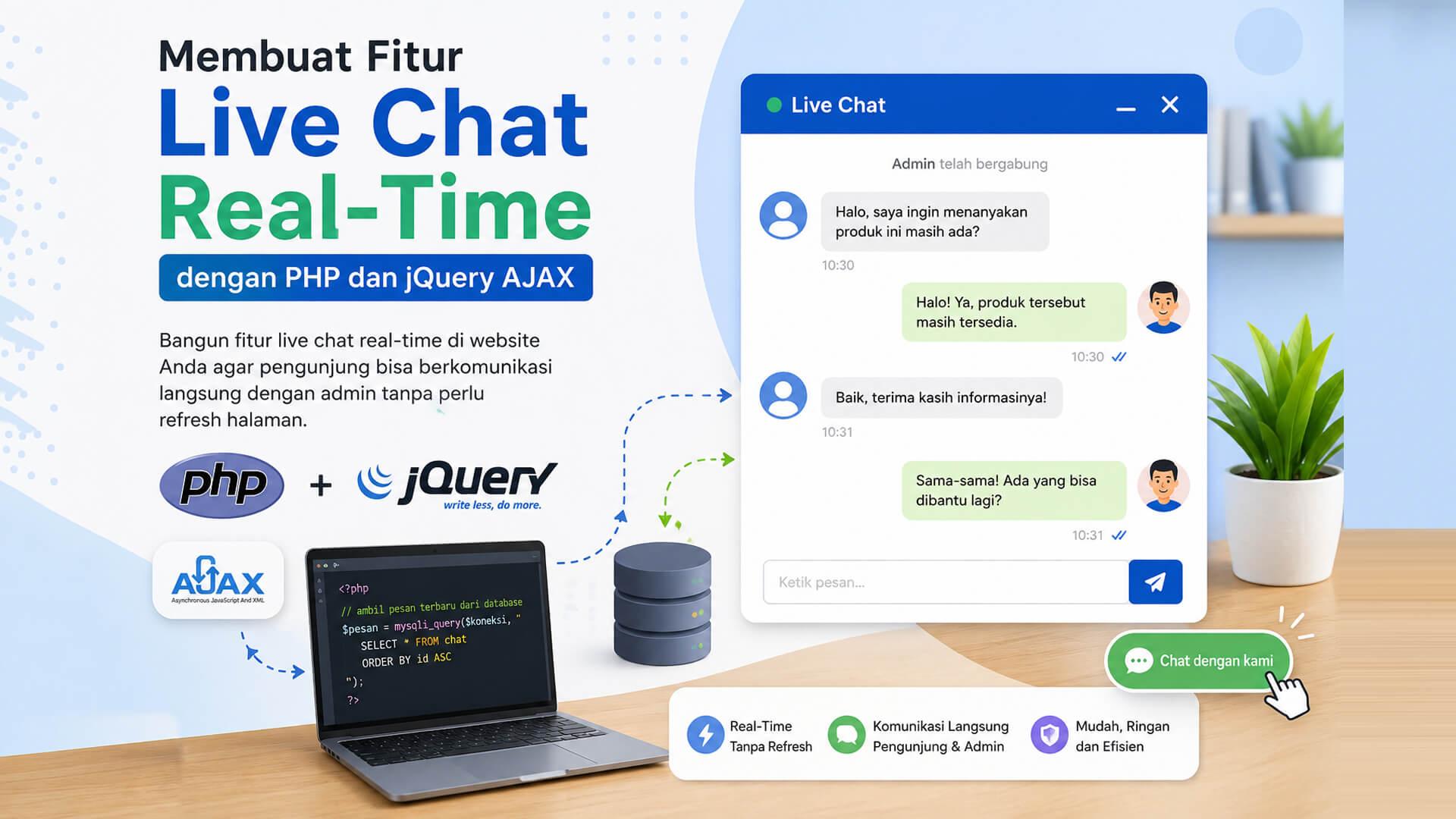
A real-time live chat feature has become a common requirement for modern websites. From company profiles to e-commerce platforms, live chat allows users to communicate instantly without reloading the page.
The good news is, you can build this feature using PHP and jQuery AJAX, without complex technologies like WebSocket or Node.js. This article explains the basic concept in a simple and practical way.
What Is a Real-Time Live Chat?
A real-time live chat is a two-way communication feature that:
- Sends and receives messages instantly
- Works without page refresh
- Automatically updates messages
In a simple implementation, real-time behavior is simulated using AJAX polling, where the browser requests new data periodically.
Why Use PHP and jQuery AJAX?
Main reasons:
- PHP is widely used on servers
- Easy database integration
- jQuery AJAX is simple and reliable
- Perfect for small to medium projects
This approach is ideal for:
- Customer support chat
- Admin internal chat
- Simple discussion systems
Simple Live Chat Architecture
Workflow:
- User sends a message
- AJAX sends data to PHP
- PHP saves the message to database
- AJAX fetches new messages periodically
- Messages appear without page reload
Simple Database Structure
CREATE TABLE chats (
  id INT AUTO_INCREMENT PRIMARY KEY,
  username VARCHAR(50),
  message TEXT,
  created_at TIMESTAMP DEFAULT CURRENT_TIMESTAMP
);
Basic Chat HTML Form
<div id="chat-box"></div>

<input type="text" id="username" placeholder="Name">
<input type="text" id="message" placeholder="Type a message">
<button id="send">Send</button>
Sending Messages with jQuery AJAX
$('#send').click(function () {
  $.ajax({
    url: 'send.php',
    method: 'POST',
    data: {
      username: $('#username').val(),
      message: $('#message').val()
    }
  });
});
PHP Script to Save Messages
<?php
$conn = mysqli_connect("localhost","root","","chat_db");

$username = $_POST['username'];
$message = $_POST['message'];

mysqli_query($conn, "INSERT INTO chats (username, message) VALUES ('$username','$message')");
Fetching Messages Periodically
setInterval(function () {
  $('#chat-box').load('fetch.php');
}, 2000);
PHP Script to Fetch Messages
<?php
$conn = mysqli_connect("localhost","root","","chat_db");
$result = mysqli_query($conn, "SELECT * FROM chats ORDER BY id ASC");

while($row = mysqli_fetch_assoc($result)){
  echo "<p><b>".$row['username']."</b>: ".$row['message']."</p>";
}
Advantages of This Approach
- Easy to understand
- No special server needed
- Works on shared hosting
- Fast to develop
Limitations
- Not true real-time like WebSocket
- Server load increases with many users
- Delay depends on polling interval
For larger systems, WebSocket-based solutions are recommended.
Conclusion
Building a live chat feature using PHP and jQuery AJAX is still very practical for simple to medium-scale applications. With AJAX polling, you can create an interactive chat experience without complex infrastructure. This approach is perfect for business websites, internal tools, and learning projects.