Tutorial: Displaying Realtime Data Without Page Refresh Using PHP and jQuery
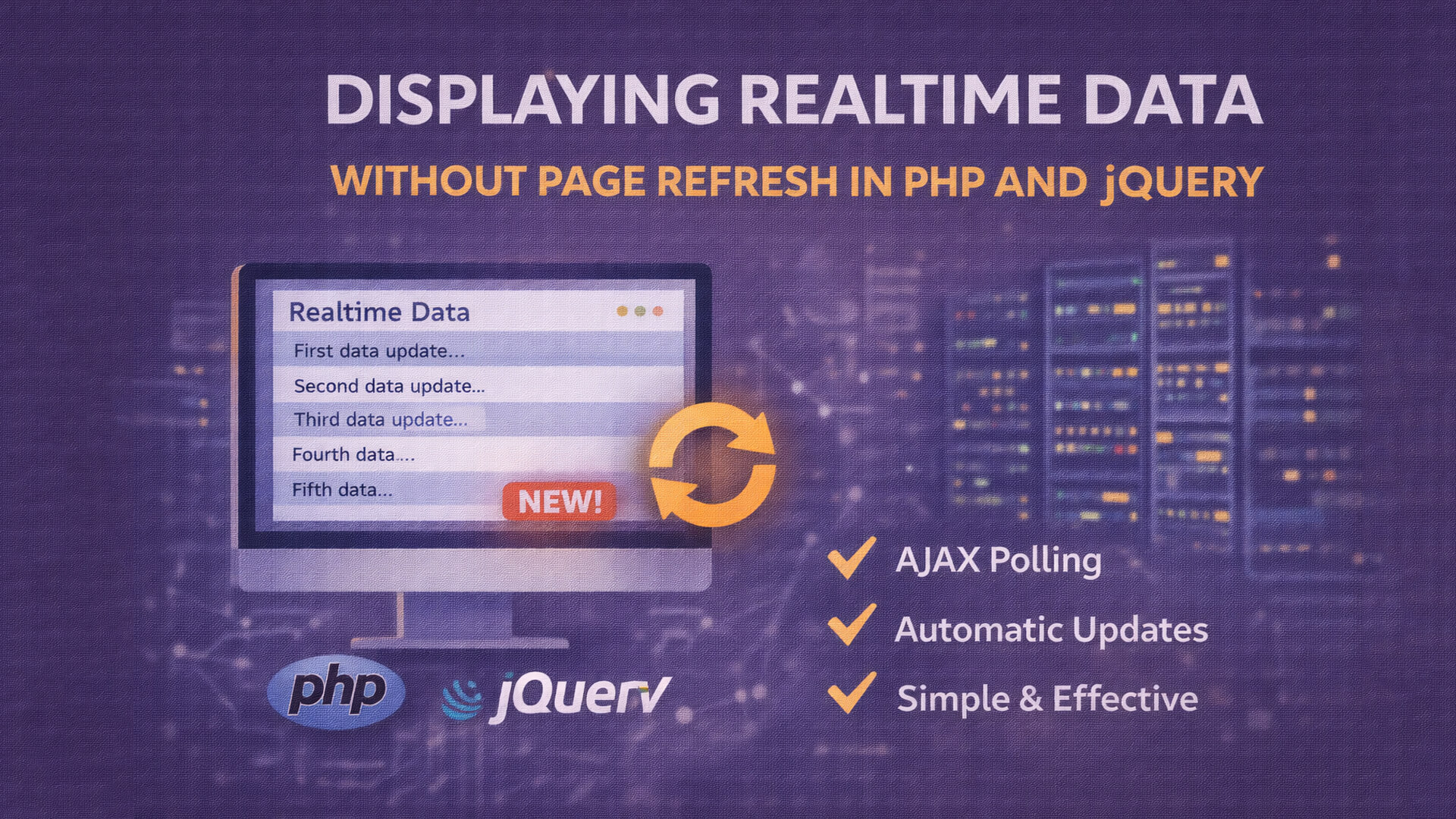
In modern web development, user experience is a key factor. One commonly needed feature is displaying realtime data without refreshing the page, such as notifications, live updates, or monitoring dashboards.
The good news is that this can be achieved using PHP and jQuery, without complex technologies like WebSocket or additional servers.
What Does Realtime Without Refresh Mean?
It means:
- Data updates automatically
- No manual page reload
- Background data requests
Technically, this is usually done using AJAX polling, where the browser periodically requests new data from the server.
Why Use PHP and jQuery?
Main reasons:
- PHP is widely supported
- jQuery AJAX is simple and stable
- Works well on shared hosting
- Easy to learn and implement
This approach is suitable for:
- Admin dashboards
- Monitoring systems
- Simple notifications
- Learning projects
Basic Workflow
- Browser loads the page
- jQuery sends AJAX requests periodically
- PHP retrieves latest data
- Server responds with updated content
- Page updates without reload
Simple Database Example
CREATE TABLE messages (
  id INT AUTO_INCREMENT PRIMARY KEY,
  content TEXT,
  created_at TIMESTAMP DEFAULT CURRENT_TIMESTAMP
);
HTML Structure
<h3>Realtime Data</h3>
<div id="data-box"></div>
jQuery AJAX Polling
setInterval(function () {
  $.ajax({
    url: 'fetch.php',
    method: 'GET',
    success: function (data) {
      $('#data-box').html(data);
    }
  });
}, 2000);
This code:
- Fetches new data every 2 seconds
- Updates the page dynamically
PHP Script (fetch.php)
<?php
$conn = mysqli_connect("localhost","root","","realtime_db");

$result = mysqli_query($conn, "SELECT * FROM messages ORDER BY id DESC");

while ($row = mysqli_fetch_assoc($result)) {
  echo "<p>".$row['content']."</p>";
}
Result
- Automatic data updates
- No page refresh
- Better user experience
- Simple implementation
Advantages
- Easy to understand
- No special infrastructure required
- Suitable for small to medium projects
- Flexible for future expansion
Limitations
- Not true realtime
- Server load increases with frequent polling
- Not ideal for large-scale systems
For high-scale applications, WebSocket-based solutions are recommended.
Conclusion
Displaying realtime data without page refresh using PHP and jQuery is a practical and effective solution. AJAX polling allows developers to build interactive web features with minimal complexity, making it ideal for dashboards, notifications, and monitoring tools.