Swagger UI Installation Guide for RESTful API Documentation
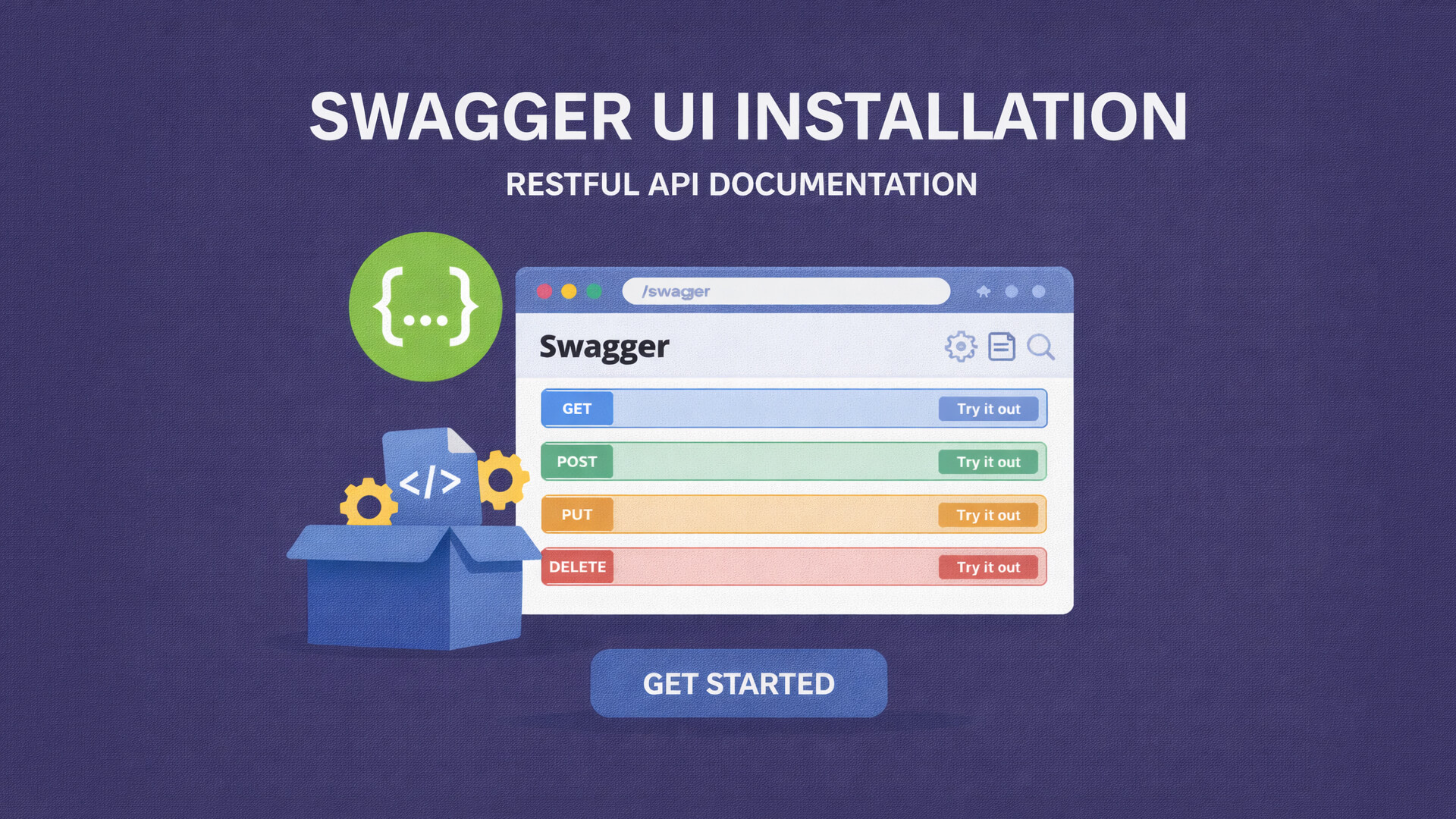
In RESTful API development, clear and well-structured documentation is essential. Good documentation helps other developers understand how an API works and simplifies testing and integration. One of the most widely used tools for API documentation is Swagger UI.
This article explains what Swagger UI is and provides a general installation guide to help you document RESTful APIs effectively.
What Is Swagger UI
Swagger UI is a web-based tool that displays interactive documentation for RESTful APIs. It reads OpenAPI specification files and converts them into a clean, user-friendly interface.
One of its biggest advantages is the ability to test API endpoints directly from the browser.
Why Use Swagger UI
Here are some key reasons to use Swagger UI:
-
Structured and readable API documentation
-
Live API testing
-
Easier collaboration between teams
-
Reduced API usage errors
-
Suitable for internal and public APIs
Swagger UI is often considered a standard tool in modern API development.
Pre-Installation Requirements
Before installing Swagger UI, make sure you have:
-
A running RESTful API
-
An OpenAPI specification file in JSON or YAML format
-
A web server or backend framework
Swagger UI is technology-agnostic and works with various programming languages.
Swagger UI Installation Methods
There are several ways to install Swagger UI. Below are the most common approaches.
1. Static File Installation
This method is suitable if you want Swagger UI to run separately from your backend.
General steps:
-
Download Swagger UI from the official repository
-
Extract files into a web server directory
-
Configure the OpenAPI file path
-
Open Swagger UI in a browser
This approach is simple and quick for basic documentation needs.
2. Backend Framework Integration
Many backend frameworks provide built-in Swagger UI support, such as:
-
Node.js
-
Laravel
-
Spring Boot
-
Django
Integration usually involves installing a Swagger library and exposing a documentation endpoint like /swagger or /api-docs.
This method ensures documentation stays in sync with backend code.
3. Using Docker
Swagger UI can also be deployed using Docker.
Benefits include:
-
No manual installation
-
Easy portability
-
Consistent environments
Docker is ideal for both development and production setups.
3. Use Simple HTML
Simple File Structure
Create one file only:
index.html
No additional configuration is required.
Simple Swagger UI HTML Example
<!DOCTYPE html>
<html lang="en">
<head>
  <meta charset="UTF-8">
  <title>Simple Swagger UI</title>

  <!-- Swagger UI CSS -->
  <link rel="stylesheet" href="https://unpkg.com/swagger-ui-dist/swagger-ui.css">
</head>
<body>

<div id="swagger-ui"></div>

<!-- Swagger UI JS -->
<script src="https://unpkg.com/swagger-ui-dist/swagger-ui-bundle.js"></script>
<script src="https://unpkg.com/swagger-ui-dist/swagger-ui-standalone-preset.js"></script>

<script>
  window.onload = function() {
    SwaggerUIBundle({
      url: "swagger.json", // replace with your API spec
      dom_id: "#swagger-ui",
      presets: [
        SwaggerUIBundle.presets.apis,
        SwaggerUIStandalonePreset
      ],
      layout: "BaseLayout"
    });
  };
</script>

</body>
</html>
Adding Swagger (OpenAPI) File
Make sure you have your API specification file, for example:
swagger.json
Place it in the same directory as index.html.
If your API spec is hosted online, you can use a URL instead:
url: "https://example.com/openapi.json"
Connecting Swagger UI to Your API
To display API documentation, Swagger UI needs access to an OpenAPI file. This file defines:
-
API endpoints
-
HTTP methods
-
Request parameters
-
API responses
-
Authentication schemes
Swagger UI automatically renders this information into an interactive interface.
Tips for Better Swagger UI Documentation
-
Write clear endpoint descriptions
-
Provide request and response examples
-
Use consistent endpoint naming
-
Group endpoints by category
Well-written documentation saves time and reduces confusion.
Conclusion
Swagger UI is a powerful and easy-to-use tool for RESTful API documentation. With flexible installation options and wide framework support, it has become a go-to solution for developers. Proper API documentation improves collaboration, usability, and overall system quality.