Getting to Know Three.js: Simple Code Examples and Real Use Cases on Websites
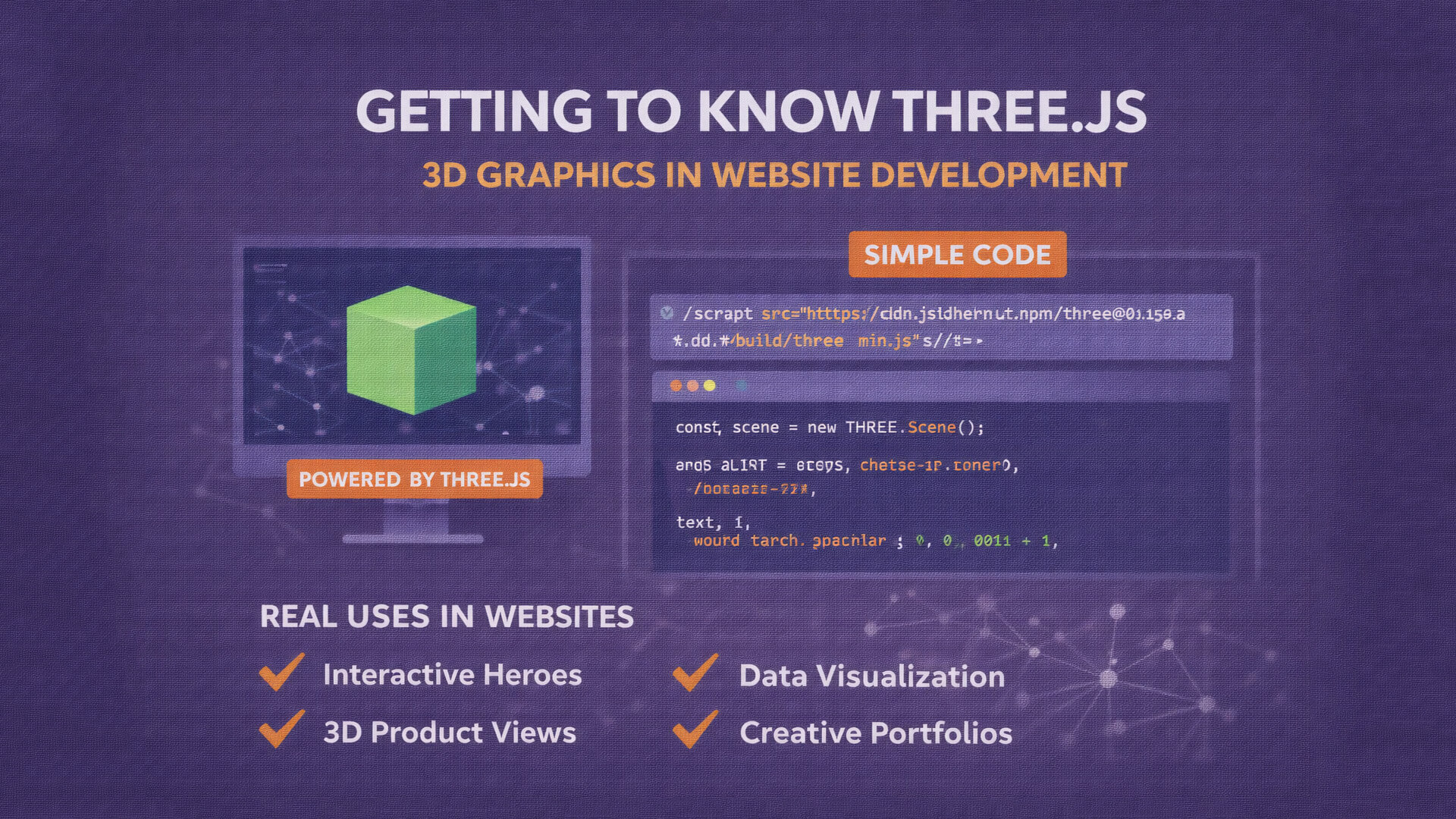
Modern websites are no longer limited to static text and images. Many web experiences now include interactive visuals to engage users. One popular technology for this purpose is Three.js.
Three.js allows developers to create 3D graphics directly in the browser using JavaScript, without requiring heavy software or plugins.
What Is Three.js
Three.js is an open source JavaScript library used to create 3D graphics based on WebGL. It simplifies complex WebGL code into an easy-to-use JavaScript API.
With Three.js, developers can create 3D scenes, cameras, lighting, and objects using familiar JavaScript syntax.
Brief History of Three.js
Three.js was created by Ricardo Cabello (Mr.doob). It gained popularity because:
-
It is open source
-
Well-documented
-
Widely adopted by developers
-
Supported by an active community
It continues to evolve and is still widely used today.
Real Use Cases of Three.js on Websites
Three.js is used in real-world projects such as:
-
Interactive hero sections
-
3D product visualization
-
Technology startup landing pages
-
Creative portfolios
-
Data visualization dashboards
-
Educational and simulation websites
When used correctly, it enhances user experience without requiring desktop applications.
Simple Three.js Code Example
1. Include Three.js Library
<script src="https://cdn.jsdelivr.net/npm/[email protected]/build/three.min.js"></script>
2. Basic HTML Structure
<body>
  <script src="script.js"></script>
</body>
3. Basic JavaScript Example (script.js)
const scene = new THREE.Scene();

const camera = new THREE.PerspectiveCamera(
  75,
  window.innerWidth / window.innerHeight,
  0.1,
  1000
);

const renderer = new THREE.WebGLRenderer();
renderer.setSize(window.innerWidth, window.innerHeight);
document.body.appendChild(renderer.domElement);

const geometry = new THREE.BoxGeometry();
const material = new THREE.MeshBasicMaterial({ color: 0x00ff00 });
const cube = new THREE.Mesh(geometry, material);
scene.add(cube);

camera.position.z = 5;

function animate() {
  requestAnimationFrame(animate);
  cube.rotation.x += 0.01;
  cube.rotation.y += 0.01;
  renderer.render(scene, camera);
}

animate();
Result
This code will:
-
Display a 3D cube
-
Rotate it continuously
-
Run smoothly in the browser
-
Require no additional plugins
This simple example demonstrates the core concept of Three.js.
Advantages of Three.js
-
Enables 3D graphics in browsers
-
Large community and resources
-
Works well with modern frameworks
-
Supports animations and interactions
-
Ideal for modern web experiences
Limitations of Three.js
-
Requires basic understanding of 3D concepts
-
Performance must be optimized carefully
-
Not suitable for every website
Conclusion
Three.js is a powerful tool for creating 3D and interactive web experiences. When used properly, it can significantly enhance website visuals and user engagement. From simple animations to advanced 3D scenes, Three.js remains one of the best choices for web-based 3D development