Getting to Know Particles.js: Lightweight Visual Effects for Modern Websites
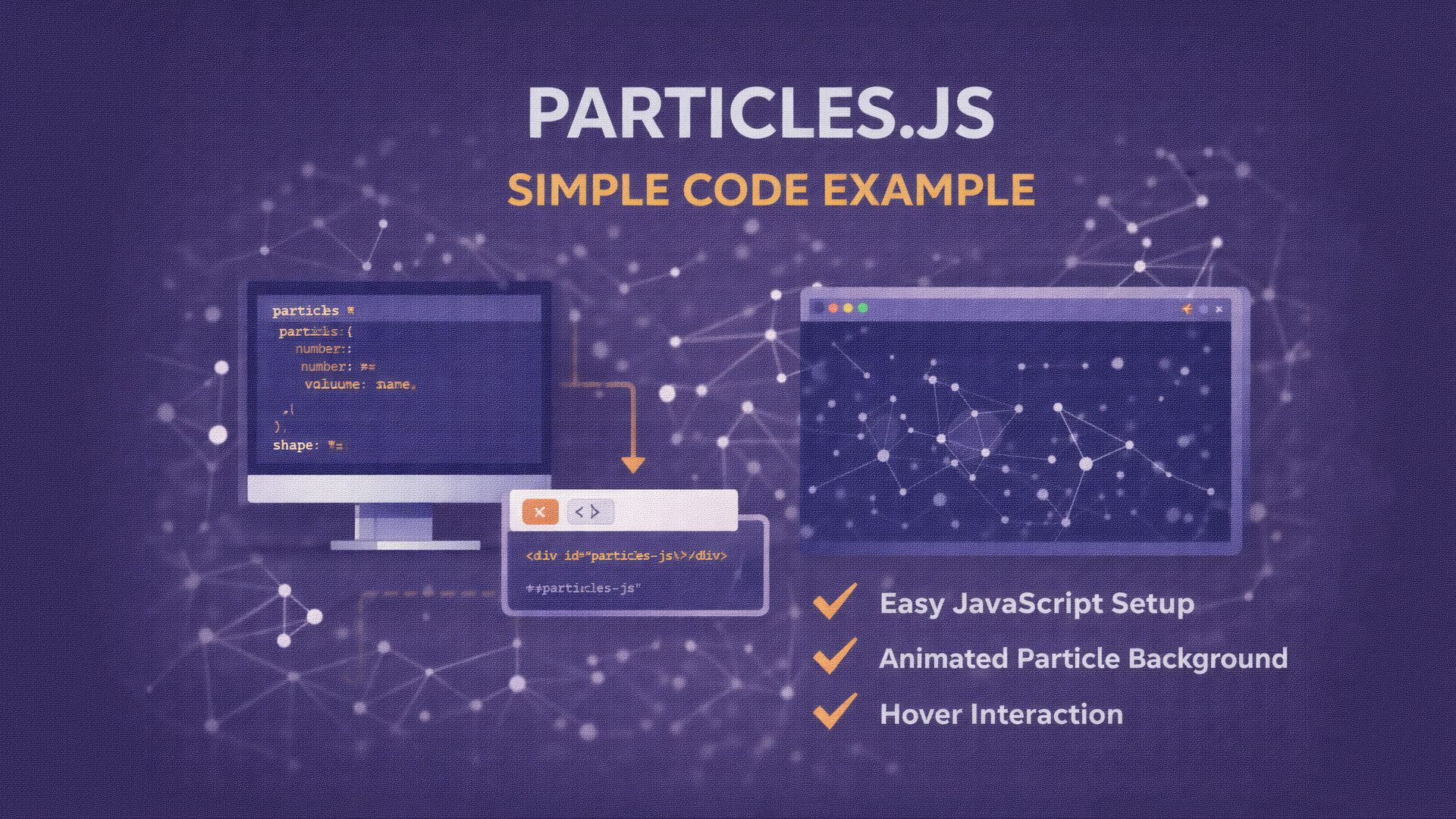
An attractive website does not always need complex or heavy animations. One simple way to add a modern and interactive feel is by using visual effects. Particles.js is a popular JavaScript library used to create animated particle backgrounds on websites.
It is commonly used on landing pages, hero sections, and portfolio websites to create a dynamic yet clean visual experience.
What Is Particles.js?
Particles.js is an open source JavaScript library designed to create animated particles such as dots, lines, or simple shapes that move automatically on the screen. These animations usually appear as background elements and do not interfere with main content.
The library uses HTML canvas, making it lightweight and efficient.
Brief History of Particles.js
Particles.js was created by Vincent Garreau and gained popularity because of its simplicity. Developers can create visually appealing animations using only a configuration file without complex coding.
As an open source project, it has inspired many similar libraries and custom implementations.
How Particles.js Works
Particles.js reads configuration settings defined in a JavaScript object or JSON file. These settings control:
-
Number of particles
-
Particle shape and color
-
Size and opacity
-
Movement speed and direction
-
Interactions on hover or click
All animations are rendered inside a canvas element and start automatically when the page loads.
Common Use Cases
Particles.js is often used for:
-
Landing page backgrounds
-
Website headers
-
Developer portfolios
-
Startup and company websites
-
Simple dashboard visuals
It adds visual interest without using heavy media files.
Advantages of Particles.js
Some key benefits include:
-
Easy to set up and customize
-
Lightweight and performance friendly
-
Modern and clean appearance
-
Works well with HTML and CSS
-
Suitable for static and dynamic websites
Limitations of Particles.js
Despite its popularity, Particles.js has some limitations:
-
Not suitable for complex animations
-
Less flexible compared to advanced libraries like Three.js
-
Requires tuning for optimal mobile performance
Is Particles.js Still Relevant?
Particles.js remains relevant for simple visual enhancements. It is ideal for backgrounds and decorative effects. For advanced 3D or interactive visuals, developers usually choose more powerful solutions.
1. Load Particles.js Library
Include the Particles.js library using CDN.
<script src="https://cdn.jsdelivr.net/npm/[email protected]/particles.min.js"></script>
2. Create HTML Container
Particles.js needs an element to render the animation.
<div id="particles-js"></div>
Basic CSS for fullscreen background:
<style>
  #particles-js {
    position: fixed;
    width: 100%;
    height: 100%;
    background-color: #0f172a;
    top: 0;
    left: 0;
    z-index: -1;
  }
</style>
3. Basic JavaScript Configuration
A simple and lightweight configuration example.
<script>
particlesJS("particles-js", {
  particles: {
    number: {
      value: 80,
      density: {
        enable: true,
        value_area: 800
      }
    },
    color: {
      value: "#ffffff"
    },
    shape: {
      type: "circle"
    },
    opacity: {
      value: 0.5
    },
    size: {
      value: 3,
      random: true
    },
    line_linked: {
      enable: true,
      distance: 150,
      color: "#ffffff",
      opacity: 0.4,
      width: 1
    },
    move: {
      enable: true,
      speed: 2
    }
  },
  interactivity: {
    events: {
      onhover: {
        enable: true,
        mode: "repulse"
      }
    }
  },
  retina_detect: true
});
</script>
4. Result
With this setup:
-
The website background shows animated particles
-
Particles move smoothly
-
Hover interaction pushes particles away
-
Content remains clean and readable
This example is perfect for:
-
Landing pages
-
Hero backgrounds
-
Tech blogs or portfolios
Conclusion
Particles.js is a simple and effective tool for adding modern visual effects to websites. Its ease of use, lightweight performance, and clean appearance make it a reliable choice for many web projects, especially when subtle background animation is needed.