

Adding Real-Time Notifications to a Website Using PHP and jQuery
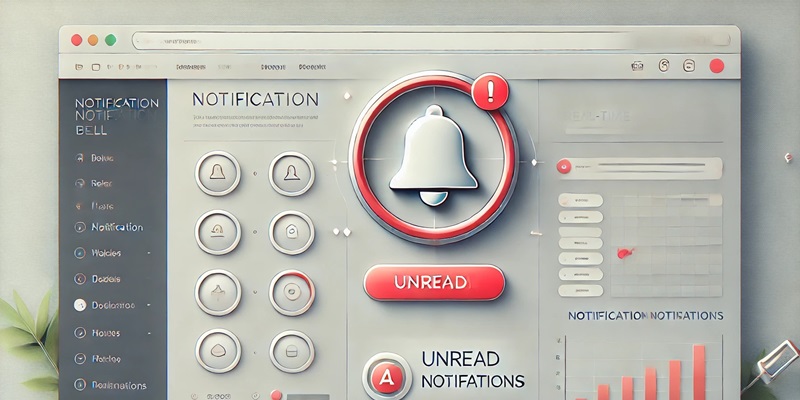
Real-time notifications can make web applications more interactive and responsive to users. In this tutorial, we will learn how to create simple notifications that appear automatically without having to refresh the page. We will use PHP to manage the data and jQuery to handle interaction on the frontend.
Prerequisites
Make sure you have a basic understanding of:
- HTML and CSS
- Basic PHP
- jQuery for AJAX interaction
Step 1: Creating the Database
Create a database and a table to store notifications. For example, you can create a table named notifications with the following columns:
CREATE TABLE notifications (
  id INT PRIMARY KEY AUTO_INCREMENT,
  message VARCHAR(255) NOT NULL,
  is_read TINYINT(1) DEFAULT 0
);
This table stores unread notifications (an is_read value of 0 means unread).
Step 2: Adding Notification Data (Simulation)
Create a PHP script to add a new notification. This simulation can be done with simple code:
<?php
include 'database.php'; // Connect to the database

$message = "New notification at " . date("H:i:s");
$query = "INSERT INTO notifications (message) VALUES ('$message')";
mysqli_query($conn, $query);
?>
Step 3: Creating a PHP Script to Fetch Notifications
Create a get_notifications.php file to fetch the unread notification data:
<?php
include 'database.php';

$query = "SELECT * FROM notifications WHERE is_read = 0";
$result = mysqli_query($conn, $query);
$notifications = [];

while ($row = mysqli_fetch_assoc($result)) {
    $notifications[] = $row;
}

echo json_encode($notifications);
?>
Step 4: Creating the Notification View with HTML and jQuery
In the HTML file, create an element that will display the number of notifications:
<div id="notification">
  <span id="notif-count">0</span> New Notifications
</div>

<div id="notif-content"></div>
Add jQuery code to fetch notifications periodically (for example, every 5 seconds):
$(document).ready(function() {
  setInterval(checkNotifications, 5000);

  function checkNotifications() {
    $.ajax({
      url: 'get_notifications.php',
      method: 'GET',
      success: function(response) {
        const notifications = JSON.parse(response);
        $('#notif-count').text(notifications.length);
        $('#notif-content').empty();

        notifications.forEach(notification => {
          $('#notif-content').append('<p>' + notification.message + '</p>');
        });
      }
    });
  }
});
Step 5: Marking Notifications as Read
So that notifications are not displayed again after they have been read, create a script to update the is_read status:
<?php
include 'database.php';

$query = "UPDATE notifications SET is_read = 1 WHERE is_read = 0";
mysqli_query($conn, $query);
?>
Run this script after the user has seen the notifications. You can connect it with jQuery AJAX to update the status after the notifications are displayed.
Step 6: Styling with CSS
To make it look more attractive, add a bit of CSS:
#notification {
  position: relative;
  background-color: #ff5722;
  color: white;
  padding: 10px;
  border-radius: 5px;
}

#notif-count {
  font-weight: bold;
}

#notif-content p {
  background: #f1f1f1;
  margin: 5px 0;
  padding: 8px;
  border-radius: 4px;
}
Conclusion
With the steps above, you have built a simple real-time notification system using PHP and jQuery. This system can help users stay up to date with the latest information in your application.

