Building Dynamic Components in ReactJS
ReactJS is one of the most popular JavaScript libraries for building interactive user interfaces (UI). One of ReactJS’s strengths is the component concept. With components, you can break down your UI into smaller, reusable pieces.
However, building dynamic components is the next step you need to master. Dynamic components mean the component can change based on data or user interactions. This article will guide you through creating dynamic components in ReactJS in a simple and practical way.
1. Setting Up the Environment
Before you start, make sure you have:
-
Node.js installed on your computer
-
A text editor like VSCode
-
A tool to run React, such as Create React App
Create a new project with Create React App:
npx create-react-app learn-react
cd learn-react
npm start
2. Understanding Basic Components
Components in React can be functional components or class components. Nowadays, most developers use functional components with React Hooks.
Example of a simple component:
function Title() {
  return <h1>Hello, React!</h1>;
}

export default Title;
3. Creating a Simple Dynamic Component
For example, let’s create a name list displayed dynamically.
Example:
function NameList() {
  const names = ["Andy", "Ben", "Citra"];

  return (
    <ul>
      {names.map((item, index) => (
        <li key={index}>{item}</li>
      ))}
    </ul>
  );
}

export default NameList;
Explanation:
-
namesis an array of data. -
map()is used to create<li>elements for each name. -
keymust be unique so React can keep track of each item.
4. Adding User Interaction
To make it more dynamic, let’s add a button to add a new name.
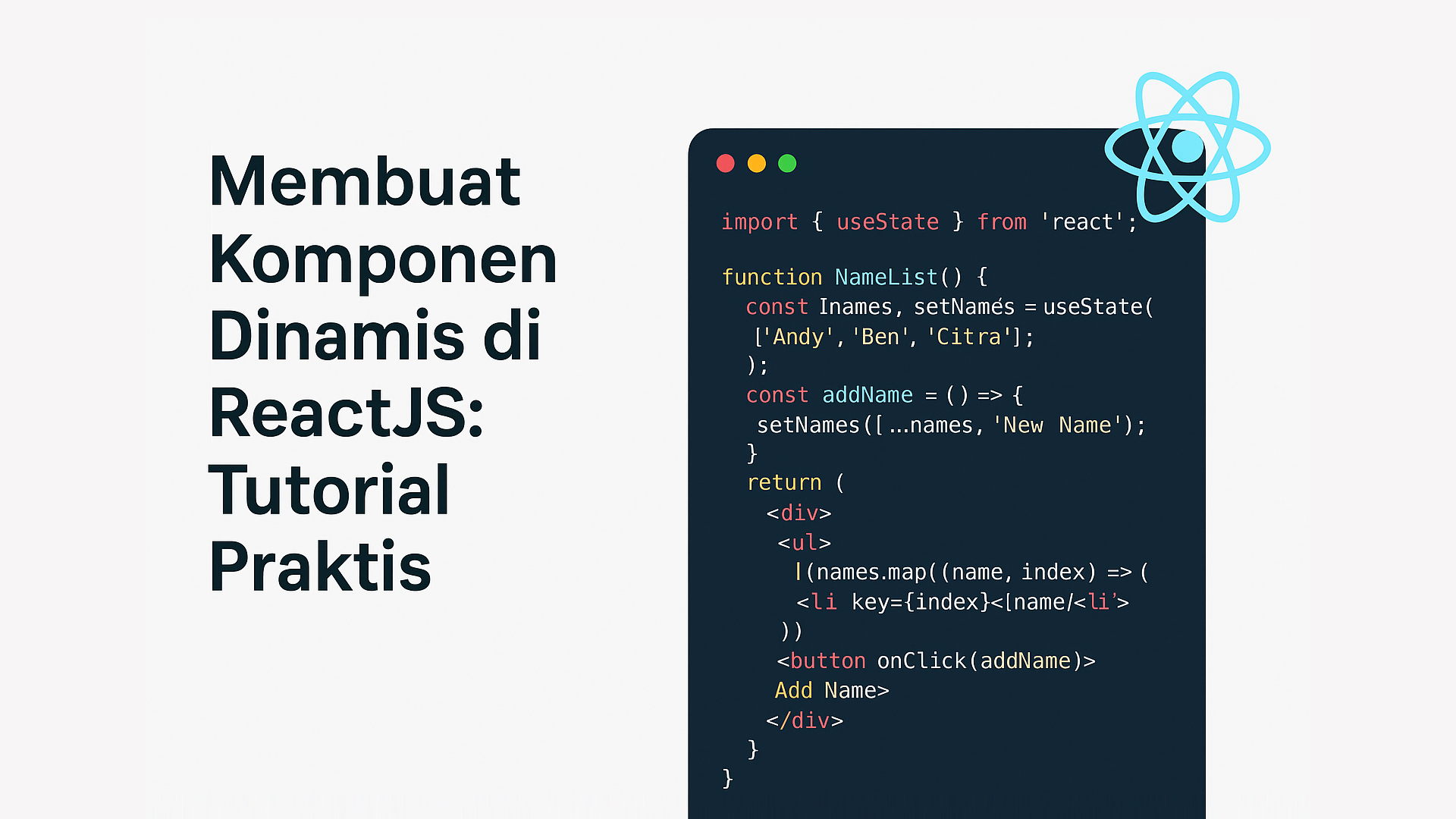
import { useState } from "react";

function NameList() {
  const [names, setNames] = useState(["Andy", "Ben", "Citra"]);

  const addName = () => {
    setNames([...names, "New Name"]);
  };

  return (
    <div>
      <ul>
        {names.map((item, index) => (
          <li key={index}>{item}</li>
        ))}
      </ul>
      <button onClick={addName}>Add Name</button>
    </div>
  );
}

export default NameList;
Explanation:
-
useStateis used to create state. -
The
addNamefunction adds a new item to the array. -
The button triggers the function when clicked.
5. Dynamic Components with Props
Besides state, components can also be dynamic through props. Props are data sent from the parent component to the child component.
Example of parent and child components:
function Child(props) {
  return <p>Hello, {props.name}</p>;
}

function Parent() {
  return (
    <div>
      <Child name="Doni" />
      <Child name="Sita" />
    </div>
  );
}

export default Parent;
6. Practical Tips
-
Always use a unique
keywhen rendering lists. -
Use
useStatefor interactive components. -
Separate components into different files for better structure.
-
Try using props to pass data.
Conclusion
Creating dynamic components in ReactJS is not difficult once you understand the basics of components, state, and props. With practice, you can build flexible and interactive user interfaces. Keep practicing, don’t be afraid to make mistakes, and enjoy learning React — it will be a valuable skill for modern web development.