Efficient DOM Manipulation Using jQuery for Beginners
When building interactive websites, one important thing is how we manipulate the DOM (Document Object Model). The DOM is a tree structure of all the HTML elements on a web page. By manipulating the DOM, we can change text, add elements, remove elements, and create dynamic interactions.
While plain JavaScript can handle DOM manipulation, jQuery makes the process easier and more efficient, especially for beginners. This article will explain how jQuery helps simplify DOM tasks and how you can start using it.
1. What is jQuery?
jQuery is a JavaScript library designed to simplify writing JavaScript, especially when dealing with the DOM, events, animations, and AJAX. With simple syntax, jQuery shortens long code into just a few lines.
Example:
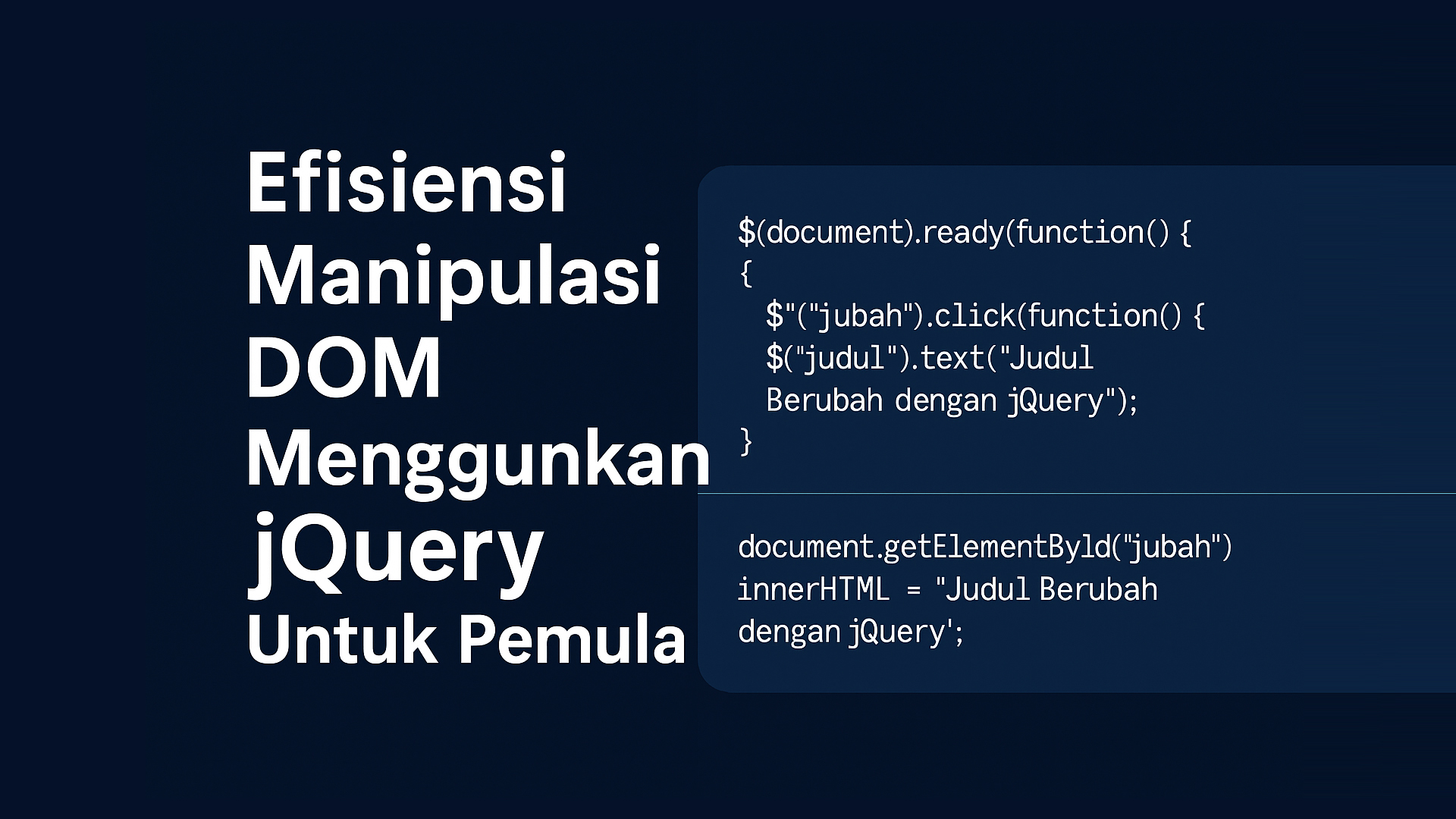
Without jQuery:
document.getElementById("title").innerHTML = "Hello World";
With jQuery:
$("#title").text("Hello World");
2. Adding jQuery
To use jQuery, you can link it via CDN or download the jQuery file.
Example using CDN:
<script src="https://code.jquery.com/jquery-3.7.1.min.js"></script>
Place the <script> tag before the closing </body> tag to keep your site loading fast.
3. Basic Structure
Create a simple HTML file:
<!DOCTYPE html>
<html lang="en">
<head>
  <meta charset="UTF-8">
  <title>Learn jQuery</title>
</head>
<body>
  <h1 id="title">Learn jQuery</h1>
  <button id="change">Change Title</button>

  <script src="https://code.jquery.com/jquery-3.7.1.min.js"></script>
  <script src="script.js"></script>
</body>
</html>
4. Example of DOM Manipulation with jQuery
Create a script.js file in the same folder:
$(document).ready(function() {
  $("#change").click(function() {
    $("#title").text("Title Changed with jQuery");
  });
});
Explanation:
-
$(document).ready()ensures the code only runs after the page is fully loaded. -
$("#change").click()means when the button with idchangeis clicked, run the function inside. -
$("#title").text()changes the text of the element with idtitle.
5. Other Examples of DOM Manipulation
Add New Element
$("#change").click(function() {
  $("body").append("<p>New paragraph added!</p>");
});
Remove Element
$("#remove").click(function() {
  $("#title").remove();
});
Hide or Show Element
$("#hide").click(function() {
  $("#title").hide();
});

$("#show").click(function() {
  $("#title").show();
});
6. Why Use jQuery?
-
Simple and short syntax.
-
Cross-browser support.
-
Plenty of documentation and examples online.
-
Great for beginners learning interactive JavaScript.
7. Tips for Beginners
-
Practice creating buttons with different functions.
-
Try using jQuery animation effects like
.fadeIn(),.fadeOut(), and.slideToggle(). -
Read the official documentation at jquery.com.
Conclusion
jQuery makes DOM manipulation easier, especially for beginners. Although modern frameworks like React or Vue are popular now, jQuery is still useful for simple projects or learning basic JavaScript interactions. Keep trying, experimenting, and enjoy the learning process.