

Driver.js: A JavaScript Plugin for Creating Interactive Web Flows and Guided Tours
In modern web development, user experience (UX) plays a crucial role. One effective way to enhance UX is by providing interactive guides or tours inside your web application. This is where Driver.js becomes incredibly useful.
What is Driver.js?
Driver.js is a lightweight JavaScript plugin designed to create interactive web flows, guided tours, and onboarding steps. It allows developers to highlight elements on the page and display informative popovers to explain features or actions.
Instead of forcing users to read lengthy documentation, Driver.js offers a visual, hands-on approach to learning the interface. It’s commonly used in SaaS products, admin dashboards, and internal systems.
Advantages of Driver.js
-
Easy to use – You can set up interactive tours with just a few lines of code.
-
Lightweight and efficient – Small file size and minimal dependencies.
-
Modern design – Clean and professional highlight and popover effects.
-
Flexible – Suitable for onboarding, tutorials, or feature walkthroughs.
Example Usage
Here’s a simple example of how Driver.js can be implemented:
const driver = new Driver();

driver.highlight({
  element: '#menu',
  popover: {
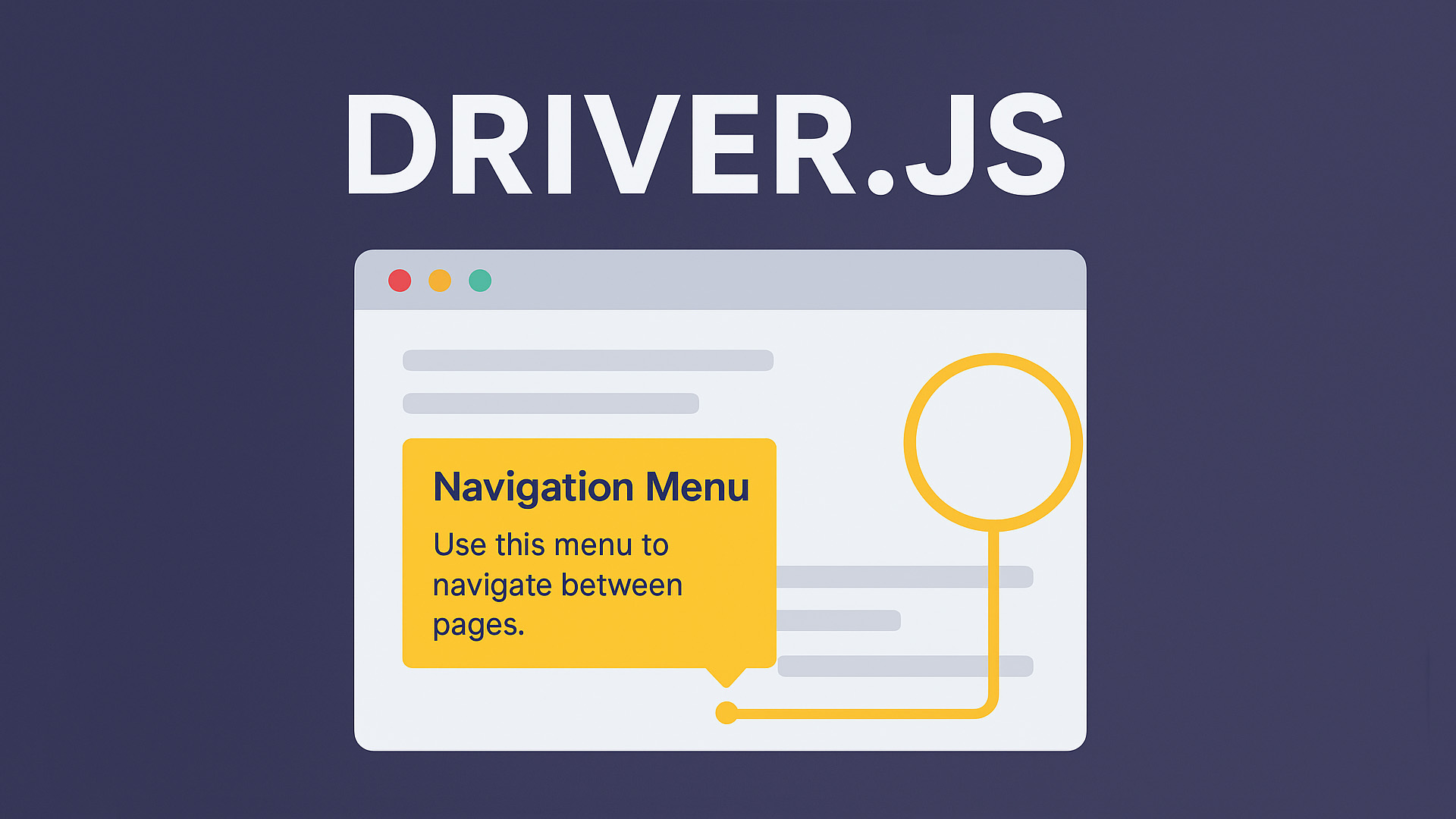
    title: 'Navigation Menu',
    description: 'Use this menu to navigate between pages.',
  }
});
This code highlights an element with the ID menu and shows a popover description.
Driver.js also supports multiple steps, allowing you to create a full interactive tour sequence.
Integration with Modern Frameworks
Driver.js can be integrated with modern frameworks like React, Vue.js, and Angular, making it highly versatile for different types of projects.
When to Use Driver.js
You can use Driver.js when you need to:
-
Build onboarding flows for new users.
-
Create interactive feature guides.
-
Explain complex UI systems visually.
-
Improve user engagement with interactive design.
Conclusion
Driver.js remains one of the best tools for building guided tours and interactive web flows in modern web applications. Its simplicity, flexibility, and visual appeal make it an excellent choice for developers aiming to enhance user onboarding and product usability.

