

Docker for Beginners: A Complete Guide to Containerization and Deployment
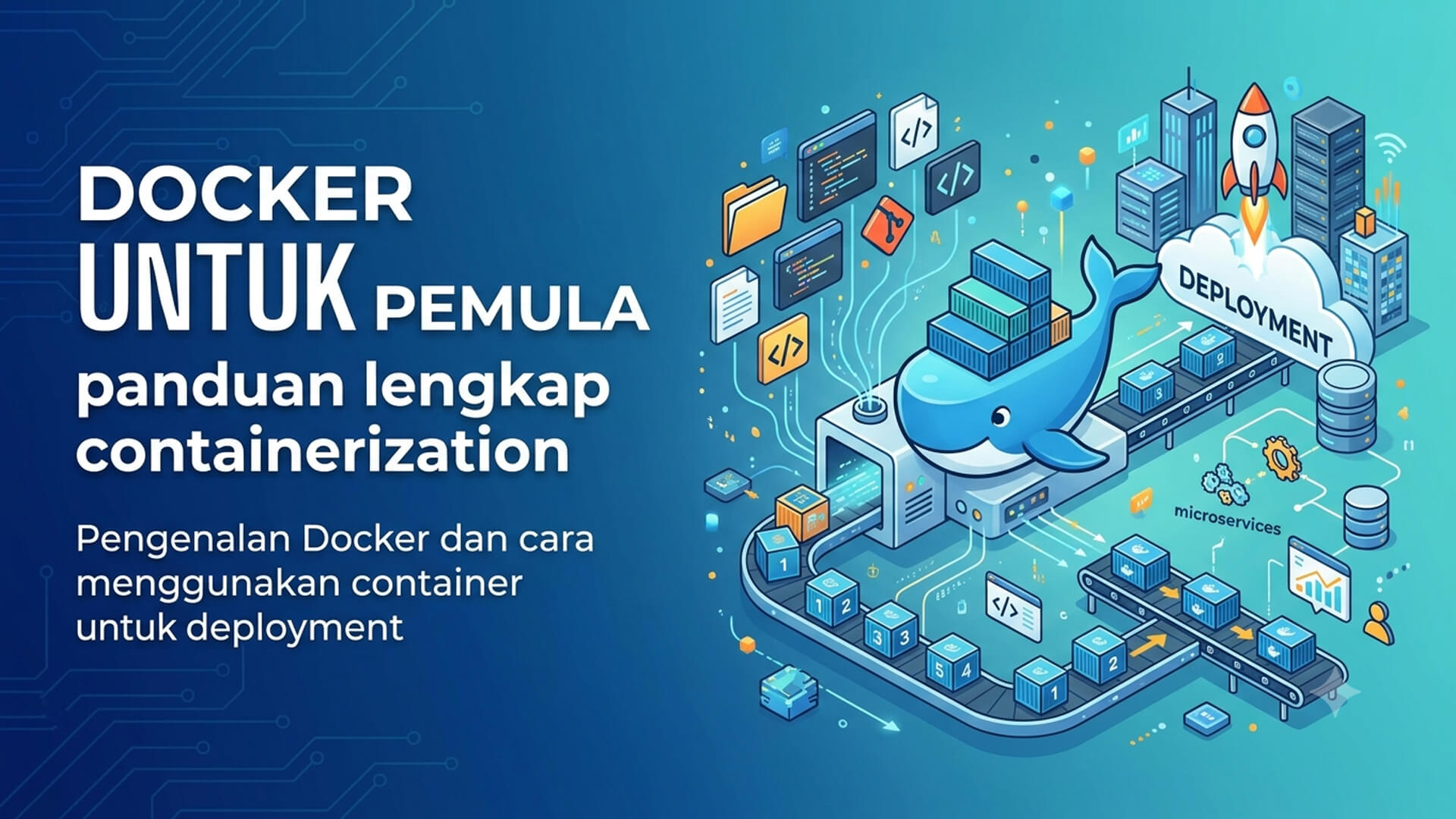
Introduction: Why Docker Matters in the Modern Tech Era
In the world of modern software development, one of the greatest challenges developers face is environmental consistency. The classic phrase "it works fine on my machine, so why does it crash on the server?" has become an all-too-common nightmare. Discrepancies in operating system versions, supporting libraries, system configurations, and other dependencies frequently lead to deployment failures that consume significant time and money to resolve.
This is where Docker and containerization technology step in as a revolutionary solution. Docker simplifies the entire development and deployment workflow by packaging an application and all its dependencies into a single, portable unit called a container. With the massive adoption of microservices architectures and DevOps methodologies, mastering Docker is no longer just an added advantage—it is an essential requirement for every modern software developer, system administrator, and IT practitioner.
What is Docker? Definition and Core Concepts
Simply put, Docker is an open-source platform built on Linux that makes it easy to create, deploy, and run applications using containers. The concept of containerization refers to a form of operating system-level virtualization where containers share the kernel of the host operating system, unlike traditional Virtual Machines that require a hypervisor and a full guest operating system in each instance.
This approach makes Docker containers extremely lightweight, fast to start in a matter of seconds, and highly efficient in utilizing hardware resources like CPU and RAM. Within the Docker ecosystem, there are several key components that beginners must understand:
- Docker Engine: The core application that runs and manages containers on your local machine or server.
- Dockerfile: A simple text file containing step-by-step instructions to build a Docker Image.
- Docker Image: A read-only template or blueprint containing the application code, libraries, and dependencies required to run the application.
- Docker Container: An active, runnable instance of a Docker Image that can be easily started, stopped, and deleted.
- Docker Hub: A cloud-based registry service where developers can share, store, and download pre-built Docker Images.
Key Functions of Docker in the Software Development Lifecycle
Docker is not just a deployment tool; it is a fundamental component of the modern software development lifecycle. Here are some of its key functions:
- Environment Standardization: Docker ensures that local development, staging, and production environments are completely identical, thereby minimizing the risk of bugs caused by system configuration differences.
- Robust Application Isolation: Each container runs in isolation from other containers and from the host system, allowing you to run multiple different versions of applications or databases on the same machine without dependency conflicts.
- Facilitating Continuous Integration and Continuous Delivery (CI/CD): Docker fits perfectly into CI/CD workflows, where tested Docker Images can be pushed directly to a repository and deployed to production servers automatically.
- Incredible Portability: Once you build a Docker Image, you can run it anywhere—from your local laptop, physical servers, virtual machines, to popular cloud services without rewriting configurations.
Implementation Steps of Docker for Beginners
To start using Docker, here is a practical, step-by-step guide to creating your first container and performing a simple deployment:
- 1. Installing Docker: Download and install Docker Desktop on your computer from the official Docker website. Verify that the Docker Daemon is running by checking its status with the docker --version command in your terminal.
- 2. Creating a Dockerfile: Create a file named Dockerfile in the root directory of your project. This file contains instructions such as FROM node:18-alpine, WORKDIR /app, COPY, and CMD to define how the application runs.
- 3. Building the Docker Image: Open your terminal, navigate to your project directory, and run the command docker build -t my-app:1.0 . to build the image based on the Dockerfile configuration.
- 4. Running the Docker Container: Run your container locally using the command docker run -d -p 8080:3000 --name my-container my-app:1.0 to map the application port so it can be accessed via a web browser.
- 5. Deploying to a Server: Push your image to Docker Hub using the docker push command, then access your production server and run the docker run command to instantly activate the application.
Advantages of Using Docker and Containerization
Adopting Docker in your development workflow yields several significant benefits for both developers and business organizations, including:
- Resource Efficiency: Unlike Virtual Machines that consume gigabytes of disk space and massive memory for each guest OS, Docker containers are only megabytes in size and share the host kernel, resulting in highly efficient memory utilization.
- Fast and Easy Scalability: Containers can be created and destroyed in seconds, allowing you to quickly spin up additional container replicas instantly during traffic spikes.
- Rapid Deployment: With Docker, the time it takes from writing code to running the application on a production server is drastically reduced because the deployment process is highly consistent.
- Vast Ecosystem: Through Docker Hub, you have access to millions of official, optimized, and ready-to-use images for various popular technologies, saving valuable time on initial infrastructure configuration.
Conclusion
Docker and containerization technology have completely revolutionized the paradigm of modern software development and deployment. By solving environment inconsistency, offering high resource efficiency, and enabling rapid scalability, Docker is a must-have tool for any technology practitioner today. Starting with basic concepts like Dockerfiles, Images, and Containers will pave the way for you to master more complex and efficient system architectures in the future.

