

(Free Indonesian Library Application: Senayan Library Management System - SLIMS)
What Is SLIMS?
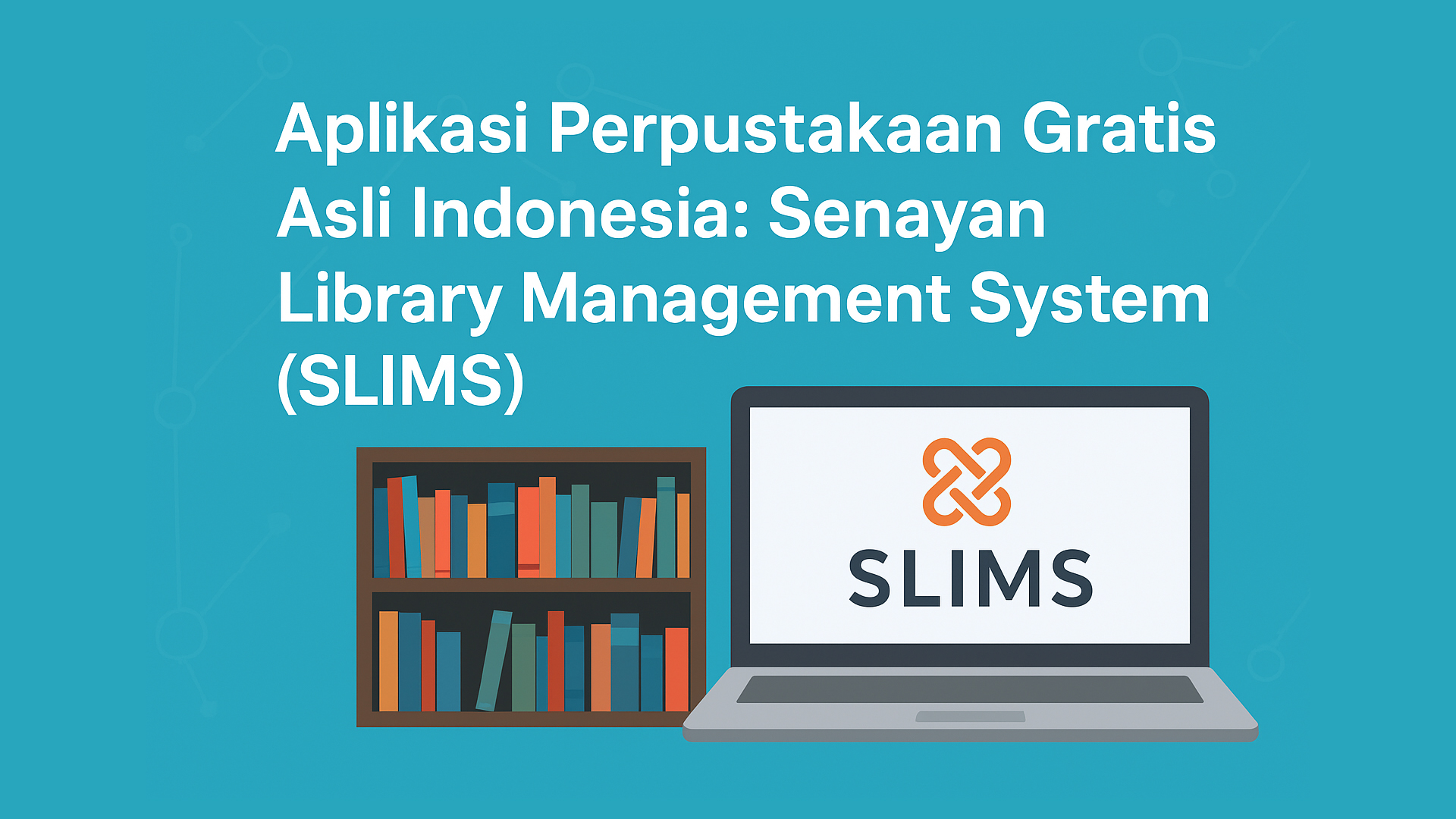
The Senayan Library Management System (SLIMS) is a web-based library management application developed by Indonesian programmers. It helps librarians manage book collections, members, circulation, and reports efficiently. SLIMS is free and open source, making it suitable for schools, universities, public libraries, and government institutions.
Developed with PHP and MySQL, SLIMS runs smoothly on Windows, Linux, and macOS. Since it’s web-based, it can be accessed from any browser without installing additional software.
History of SLIMS
SLIMS was first developed in 2007 by the Center for Information and Public Relations, Ministry of National Education of Indonesia. Its main goal was to create a simple yet powerful library automation system that could be freely used nationwide.
The first version was named “Senayan”, after the location where it was built. Over time, SLIMS evolved into a community-driven project, continuously updated and improved. Some popular versions include:
-
SLIMS 3 Cendana
-
SLIMS 5 Meranti
-
SLIMS 8 Akasia
-
SLIMS 9 Bulian
-
and the latest SLIMS 10 Bulian Update, featuring performance and security improvements.
Key Features of SLIMS
-
Book Collection Management: Full cataloging with MARC format and barcode support.
-
Automated Circulation: Easy book lending, returning, and renewal process.
-
Member Management: Integrated and simple user database.
-
Comprehensive Reports: Loan statistics, collection summaries, and member activity.
-
Multiuser Support: Multiple librarians can manage the system simultaneously.
How to Install SLIMS (Latest Version)
Here’s how to install SLIMS 10 Bulian on a local server using XAMPP:
-
Download SLIMS
-
Visit https://slims.web.id and download the latest version.
-
-
Extract Files
-
Extract the ZIP file into the
htdocsdirectory of XAMPP (e.g.,C:\xampp\htdocs\slims).
-
-
Create MySQL Database
-
Open phpMyAdmin (
http://localhost/phpmyadmin) and create a new database, for example,slims_db.
-
-
Run the Installer
-
Access
http://localhost/slimsin your browser. -
Follow the installation wizard, enter your database info, and complete setup.
-
-
Login
-
Default login: username admin, password admin.
-
Change the password after first login for security.
-
Your SLIMS installation is ready. You can now manage books, members, and reports easily.
Conclusion
SLIMS represents Indonesia’s contribution to open source technology. It is a robust, reliable, and completely free library management solution. For any institution looking to modernize its library system, SLIMS is the perfect choice.

