

5 Popular Android Emulators for PC: Pros and Cons
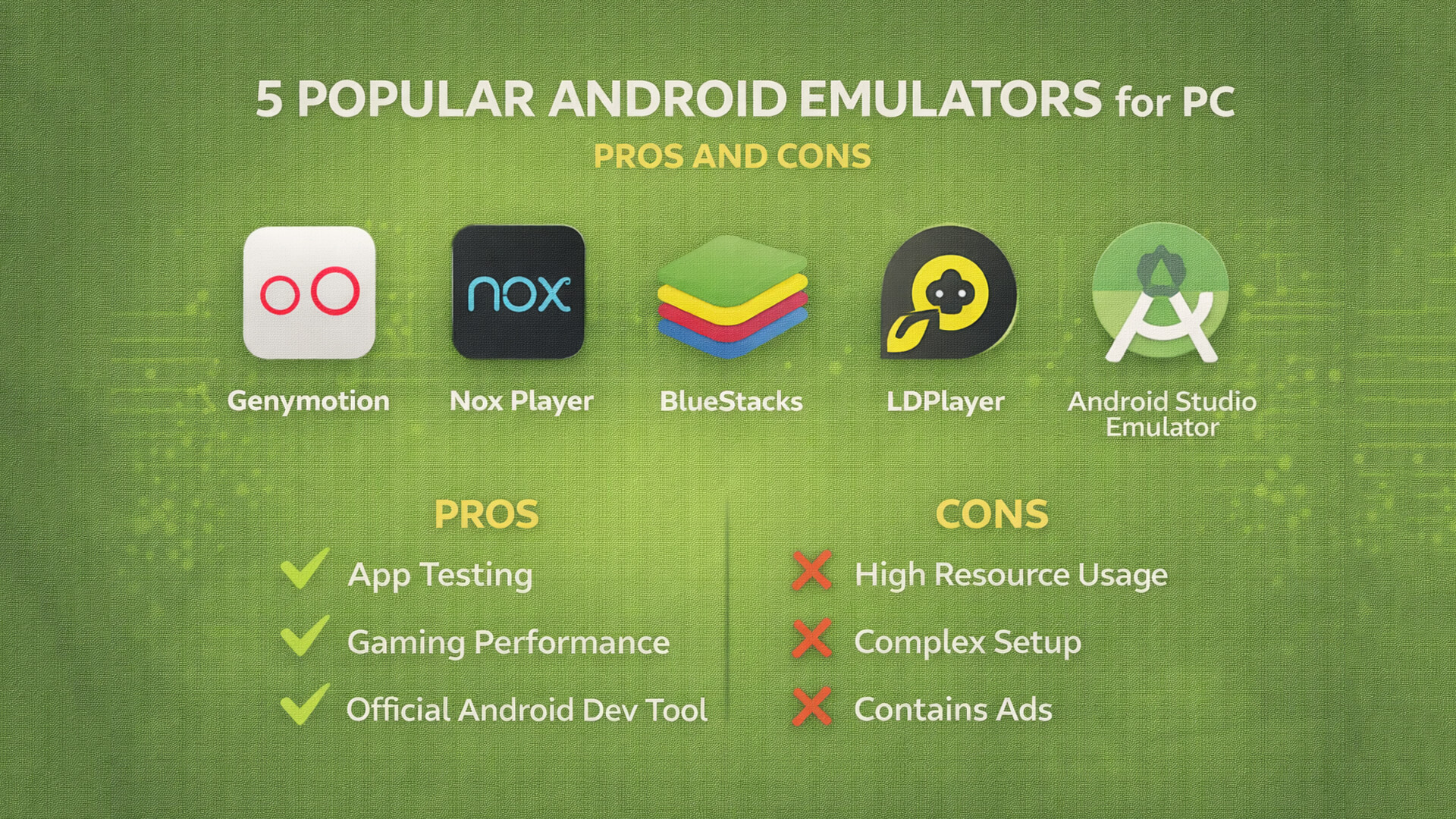
An Android emulator is a tool that allows users to run Android applications on a computer or laptop. Emulators are widely used by developers for app testing, by content creators for demonstrations, and by general users to run apps or games on a larger screen.
There are many Android emulators available today, each with its own strengths and weaknesses. In this article, we will discuss five popular Android emulators: Genymotion, Nox Player, BlueStacks, LDPlayer, and the Android Studio Emulator.
1. Genymotion
Genymotion is an Android emulator mainly designed for developers. It is commonly used for testing applications across different virtual devices.
Pros of Genymotion:
- Lightweight and stable performance
- Supports multiple Android versions
- Ideal for application testing
- Cloud-based option available
Cons of Genymotion:
- Not suitable for gaming
- Limited features in the free version
- Less user-friendly for casual users
2. Nox Player
Nox Player is a popular emulator among gamers. It supports keyboard mapping and provides good performance for Android games.
Pros of Nox Player:
- Easy to use
- Good for gaming
- Supports controllers and keyboard
- Fast installation process
Cons of Nox Player:
- High resource usage
- Contains ads
- Not ideal for professional app testing
3. BlueStacks
BlueStacks is the most well-known Android emulator and widely used by general users. It is stable and beginner-friendly.
Pros of BlueStacks:
- User-friendly interface
- Excellent game support
- Regular updates
- High app compatibility
Cons of BlueStacks:
- Heavy on low-end PCs
- High RAM and CPU usage
- Some features require payment
4. LDPlayer
LDPlayer is a lightweight Android emulator focused on gaming performance. It is popular among mobile gamers.
Pros of LDPlayer:
- Fast gaming performance
- Lighter than BlueStacks
- Supports multi-instance feature
Cons of LDPlayer:
- Not suitable for app development
- Simple interface
- Limited compatibility for some apps
5. Android Studio Emulator
The Android Studio Emulator is the official emulator provided by Google and is intended for Android developers.
Pros of Android Studio Emulator:
- Best for Android app development
- Official Google support
- Accurate device simulation
Cons of Android Studio Emulator:
- Requires high system specifications
- Not suitable for casual users
- Complex initial setup
Conclusion
Each Android emulator serves a different purpose. Developers should choose Genymotion or Android Studio Emulator, while gamers will benefit more from BlueStacks, Nox Player, or LDPlayer. Always select an emulator based on your needs and your computer’s specifications.

